Connecting To The Counter Strike Network Fixes For Connection Problems
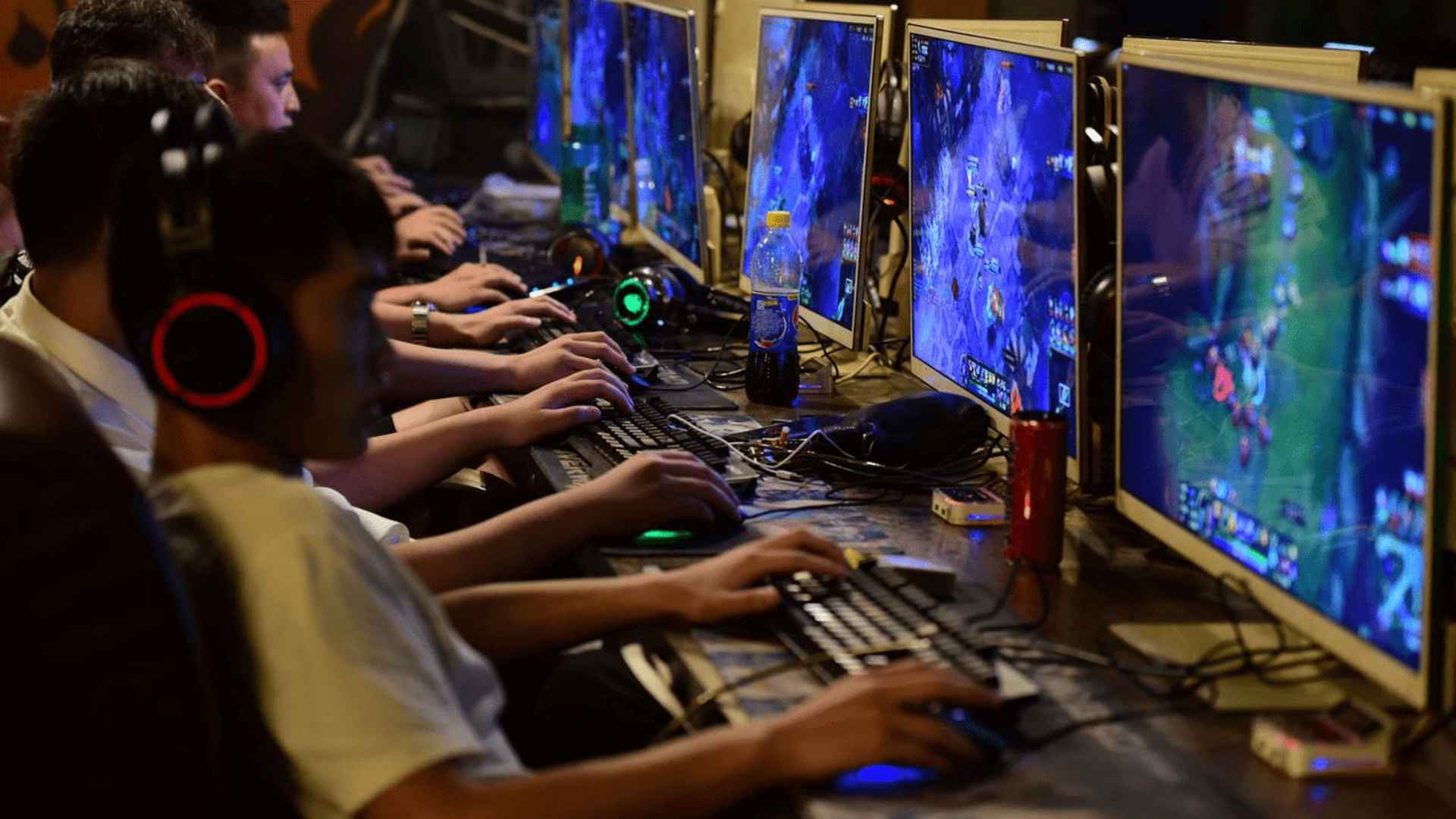
Encountering the "Connecting to the Counter-Strike Network" error can prevent players from accessing matchmaking, inventories, and online lobbies in CS2. This issue typically occurs when the client loses sync with Valve's official dedicated servers due to temporary outages or local configurations. Understanding how to diagnose and resolve these connection obstacles ensures you get back into competitive matches without unnecessary downtime.
Verify Server Status and Local Network Health
Before modifying local game settings, check official server status monitors to confirm whether Valve is experiencing regional maintenance. Temporary server outages affect all players simultaneously, meaning local fixes will not resolve the issue until servers return online. If servers are operational, restarting your router and modem can flush corrupt network cache causing local routing bottlenecks.
Verify Integrity of Game Files
Corrupted or missing installation files frequently disrupt the communication protocol between your client and the matchmaking servers. Steam provides an automated verification tool that scans your installation directory and replaces damaged components automatically. Executing this check clears up configuration errors that prevent the client from completing authorization handshakes.
Adjust Firewall and DNS Settings
Local security software or restrictive Windows Firewall rules can block the specific network ports required for Counter-Strike services. Granting administrator permissions to Steam and adding exceptions for the game executable prevents security suite interference. Additionally, switching to public DNS providers like Google or Cloudflare improves domain resolution speed and bypasses unreliable ISP routing nodes.
Clear Steam Download Cache
Accumulated cache data within the Steam client can store outdated session tokens, preventing successful login requests to game servers. Clearing your download cache forces Steam to renew authentication certificates and establish fresh socket connections. This simple procedure resolves persistent connection loops without altering your custom game settings or performance configurations.